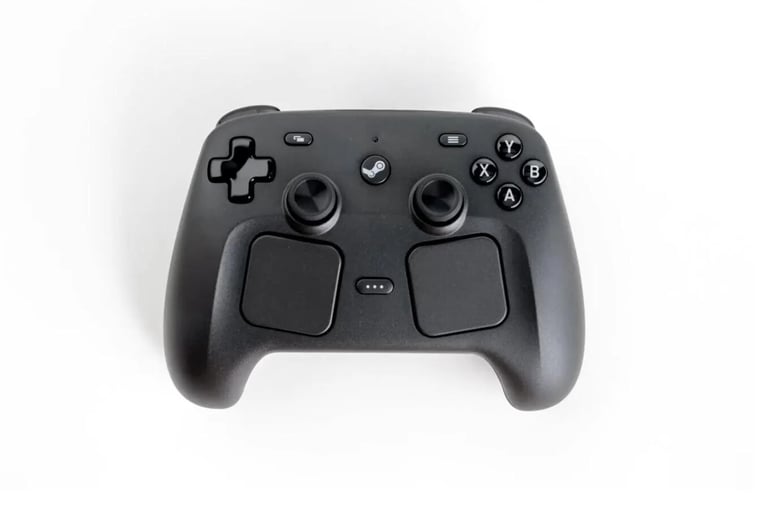


Steam Controller The Ultimate Guide
Explore setup tips, game recommendations, custom mapping tricks, and honest comparisons to get the most out of your Steam Controller. Your complete guide starts here.
Lucas Fernandes Souza
5/14/20262 min read
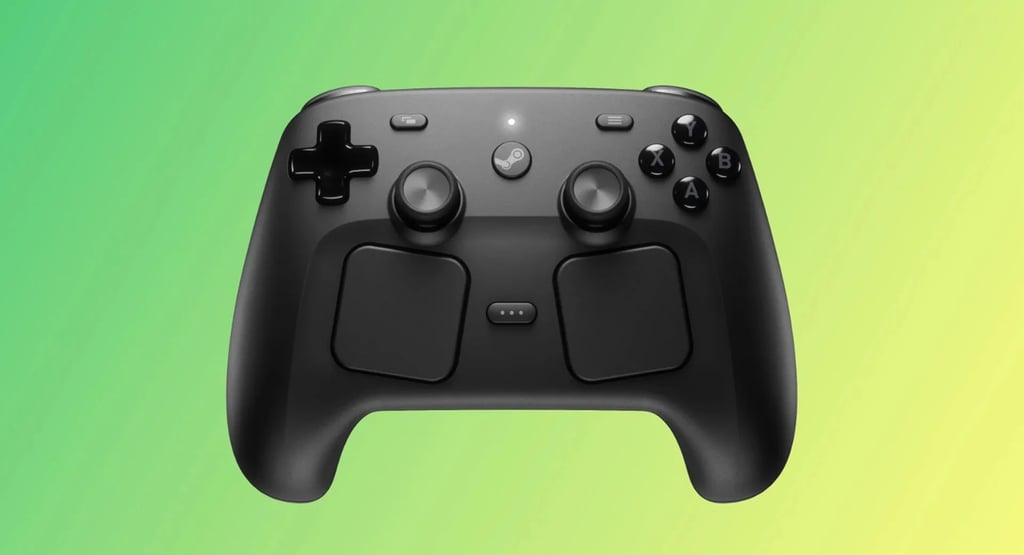
Setting up the Steam Controller is surprisingly straightforward. Once connected via USB or Bluetooth, Steam automatically detects the device and walks you through the initial configuration. First impressions are mixed for newcomers — the layout feels unconventional, but within hours it starts to click.
1. Steam Controller Setup & First Impressions
2. Best Games to Play with Steam Controller
The Steam Controller shines in genres that traditionally required a mouse and keyboard. Strategy games like Civilization VI, shooters like DOOM, and even 4X titles feel remarkably natural. The touchpad acts as a precision mouse replacement, making it a solid choice for games that never supported controllers natively.
3. Custom Button Mapping Tips & Tricks
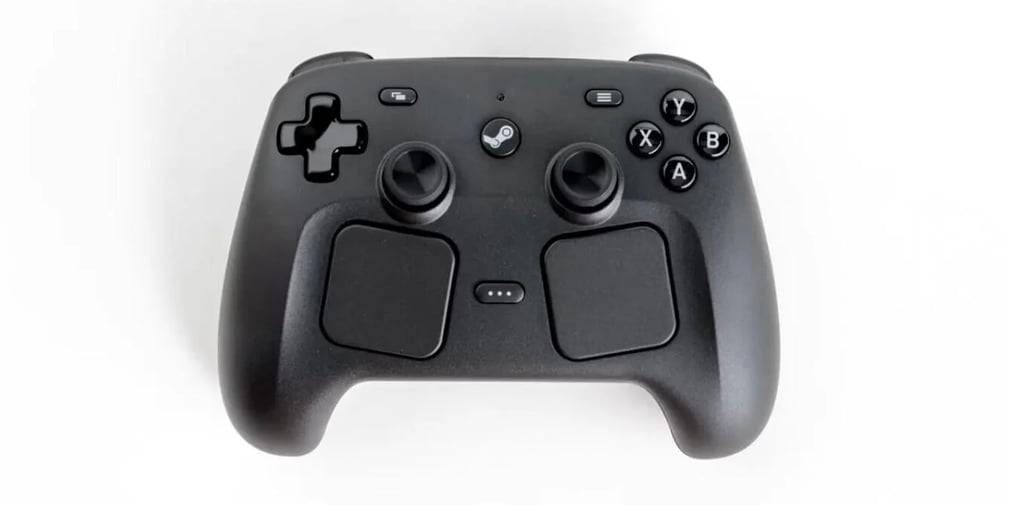
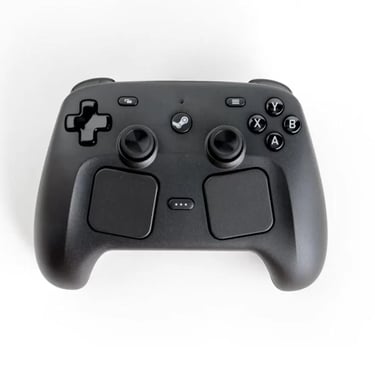
One of the biggest strengths of the Steam Controller is its deep customization. You can assign any input to any button, create action layers, and even set up gyroscope-assisted aiming. Pro tip: browse community configs before building yours from scratch — someone has likely already perfected the layout for your favorite game.
4. Steam Controller vs Xbox & PS5 Controllers
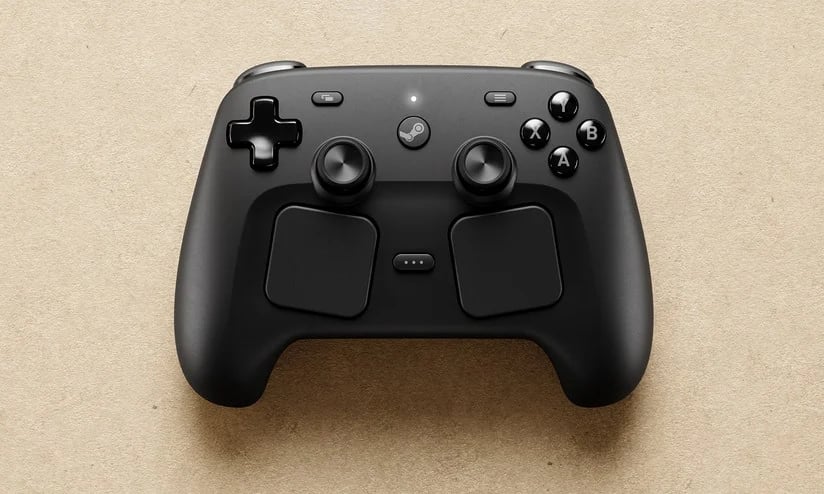
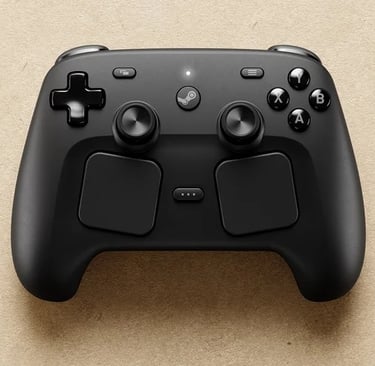
The Xbox and PS5 controllers win on comfort and plug-and-play simplicity. However, the Steam Controller dominates in flexibility and PC-native features. If you play mostly console-style games, stick with Xbox or PS5. If you play a wide variety of PC titles — especially older ones — the Steam Controller has no real competition.


5. Common Issues and How to Fix Them
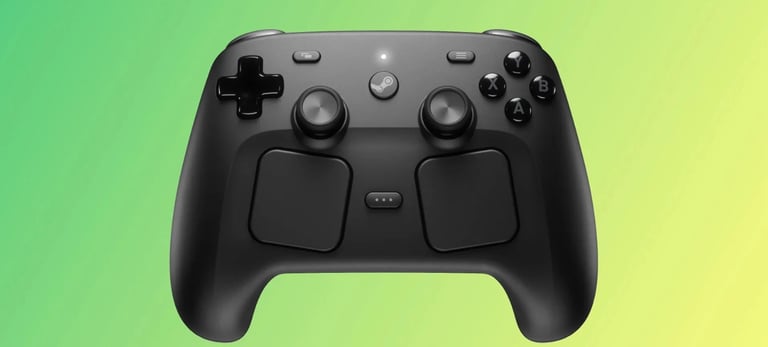
The most frequent problems include touchpad sensitivity being too high, Bluetooth disconnections, and games not recognizing the controller. Most issues are solved within Steam Input settings. For Bluetooth drops, updating the controller firmware via Steam usually resolves it instantly.